World of Sea Battle is free to play on PC, and it’s one of the lightest installs here. The minimum is a GTX 460, 2 GB of RAM and 2 GB of storage. This guide covers what the game is, the official specs, the install steps in order and what to try if it won’t launch.
What is World of Sea Battle?
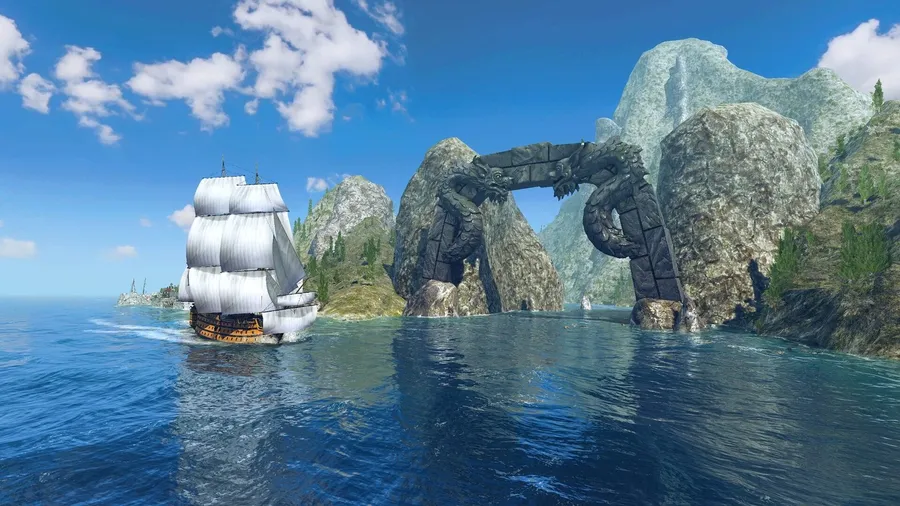
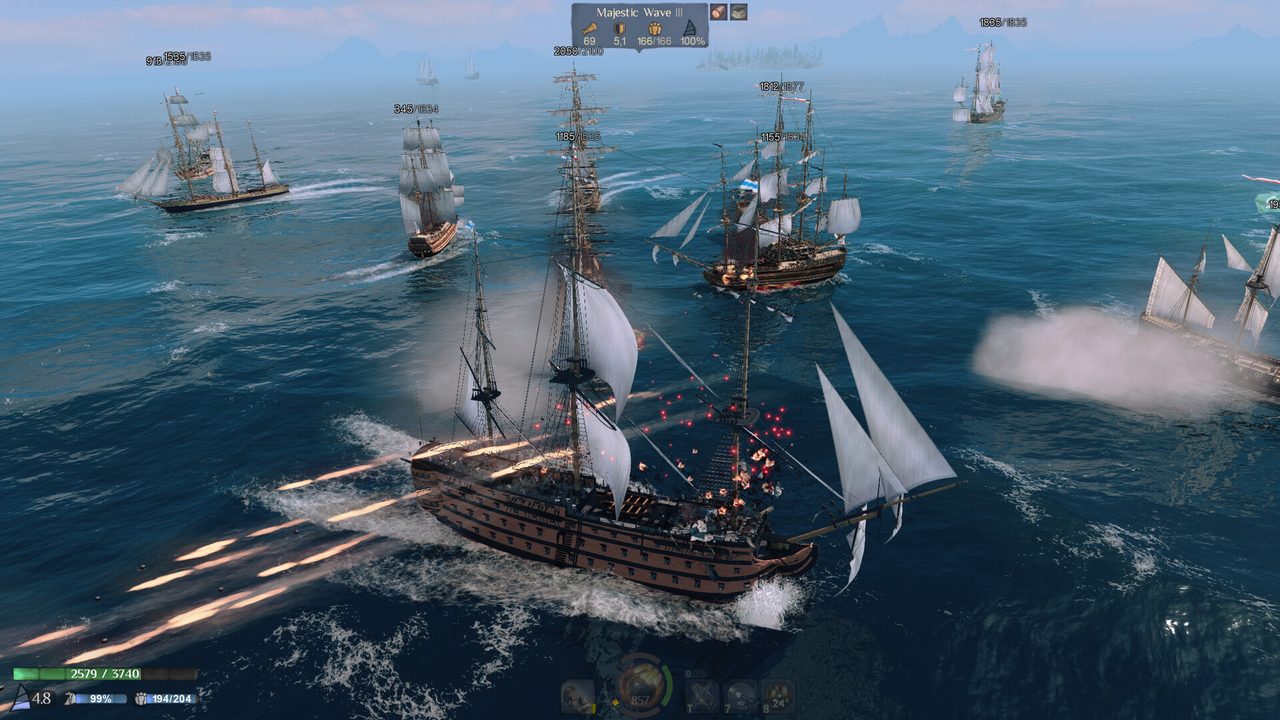
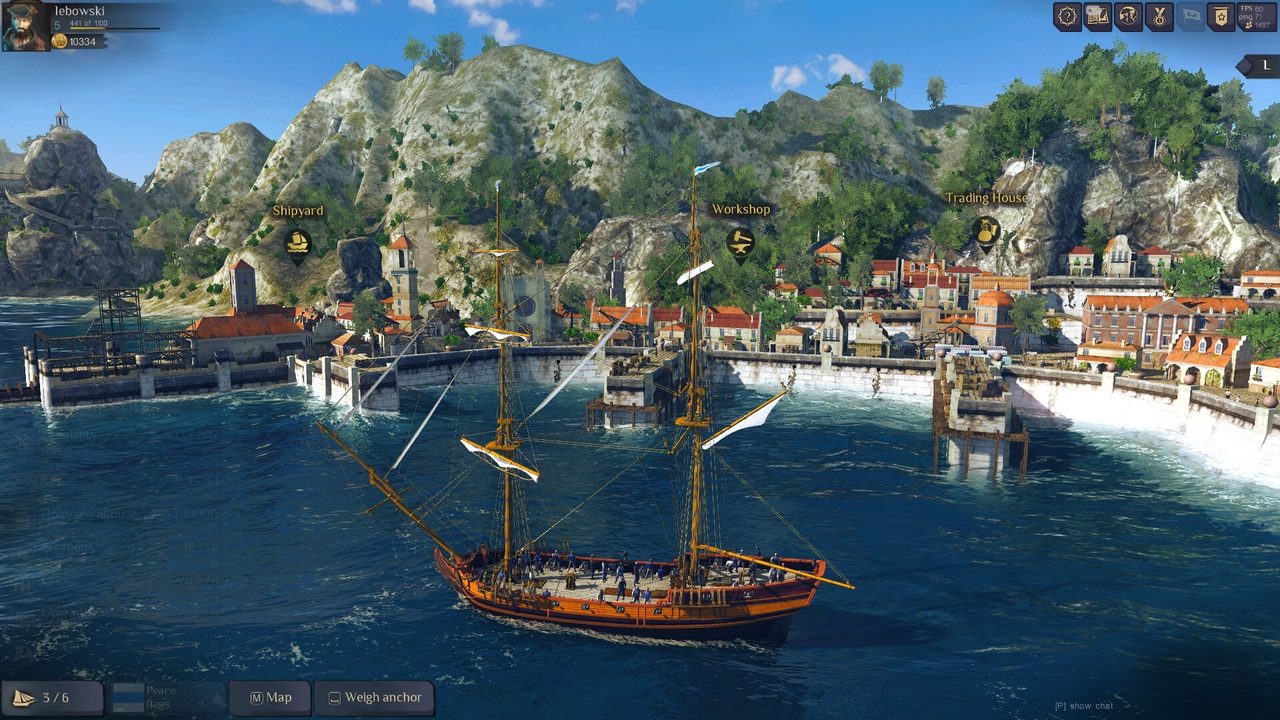
World of Sea Battle is a free-to-play open-world MMO set in the Age of Sail, developed by Thera Interactive. Every player shares one seamless sea, the Archipelago, and each captain picks a path: hunting pirates, fighting other players, exploring, hauling cargo or building a fleet.
You start in a small schooner and can work up to a 100-gun first-rate ship of the line. More than 50 historical ships from the 16th to 19th centuries are in the game. Players run the economy, and guilds wage war over territory. The game entered Early Access on Steam on October 21, 2025.
World of Sea Battle PC system requirements
These are the official specs from the game’s Steam listing.
| Minimum | Recommended | |
|---|---|---|
| OS | Windows 8+ 64-bit | Windows 10+ 64-bit |
| CPU | Core i5-4570 / Phenom II X4 B60 | Core i7-3770 / FX-9370 |
| RAM | 2 GB | 4 GB |
| GPU | GTX 460 1GB / HD 6850 1GB | GTX 660 2GB / HD 7850 2GB |
| DirectX | 9.0c | 11 |
| Storage | 2 GB | 4 GB |
Nearly any gaming PC from the last decade clears these. The one hard limit is that the GPU must support Shader Model 5. Our guide to checking a game’s system requirements shows how to find your exact GPU model.
How to download World of Sea Battle on PC
- Open the official download. Use the button below. It goes through our affiliate partner to the game’s official PC download.
- Install the client. Run the installer, or click Play Game if you land on Steam. The install is only a few gigabytes.
- Create your captain. Sign in or create an account on first launch.
- Follow the tutorial. It teaches the basics of sailing and gunnery. Sailing with the wind and timing broadsides take practice.
- Stay near safe waters at first. Learn the controls against computer-controlled ships before you sail into open PvP areas.
What to know before you set sail
- Wind decides everything. Your speed and turning depend on your angle to the wind. Positioning to fire a broadside first wins most fights.
- Cargo is at risk. Trading is profitable, but a loaded ship is a target. Plan routes and travel with guildmates when you’re carrying something valuable.
- Early Access means changes. Ships, balance and features update regularly, so read patch notes after big updates.
How long does the World of Sea Battle download take?
Download time depends on your connection and the install size. The table below assumes about 4 GB, which is small enough that most connections finish in minutes. Times are for the download itself, at the full speed of each connection.
| Connection | Approximate download time |
|---|---|
| 50 Mbps | about 11 min |
| 100 Mbps | about 5 min |
| 300 Mbps | about 2 min |
| 1 Gbps | under a minute |
Real-world speeds usually land below a plan’s advertised figure, so treat these as best-case numbers. If the download runs far slower than your connection allows, check whether another device or app on your network is downloading at the same time, then pause and resume the download.
If World of Sea Battle won’t install or launch
Try these in the order worth trying them. Stop as soon as the problem is fixed.
- Verify the files. On Steam, open Properties → Installed Files → Verify integrity of game files. A standalone install can be reinstalled quickly given its size.
- Update the GPU driver. Older cards especially need the last driver released for them.
- Check your firewall. Allow the game through Windows Defender Firewall if it can’t reach the login server.
- Close overlays. Close recording and performance overlays one at a time, then relaunch.
If it still fails, our PC game troubleshooting guide covers crashes and launch errors in more depth.
Ready to weigh anchor
The download takes minutes, so you can be on the water quickly. Start small, learn the wind and work up to the big ships.
This download link is an affiliate link — see our Affiliate Disclosure for how that works. It doesn’t change anything about your download or account.