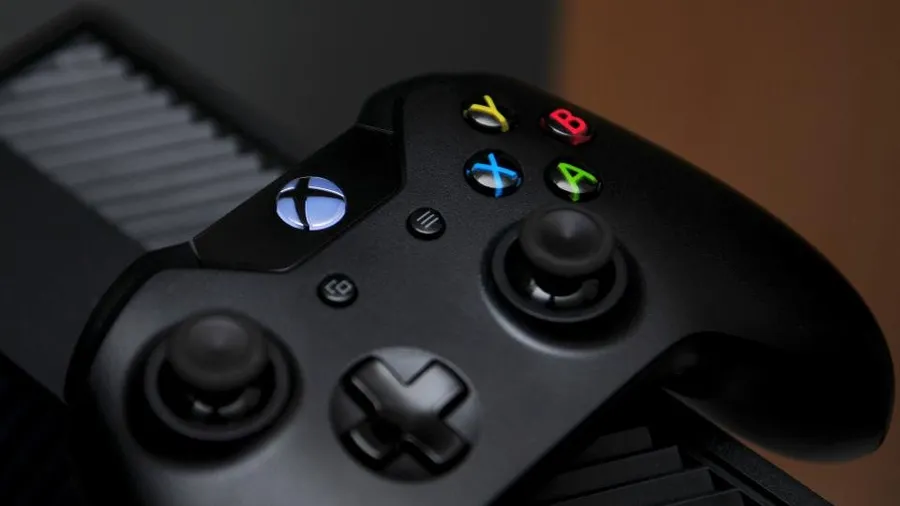
The best controller for Elden Ring on PC is the Xbox Wireless Controller. Windows supports it without extra software, and the button prompts on screen match the buttons in your hands. Other controllers work well too, with a little setup in Steam.
This guide compares four controllers for Elden Ring and other action RPGs, then covers how to set one up and fix the common detection problems.
As an Amazon Associate, Gamesness earns from qualifying purchases. We have not bench-tested these controllers ourselves. The picks are based on the manufacturers’ published specifications, and each link goes to the Amazon listing we checked for that model.
Controllers for Elden Ring compared
| Controller | Connection on PC | Power | Stands out for |
|---|---|---|---|
| Xbox Wireless Controller | Bluetooth, USB-C, Xbox Wireless Adapter | AA batteries | Native Windows support |
| PlayStation DualSense | Bluetooth, USB-C | Built-in rechargeable | Touchpad, gyro, comfortable grip |
| 8BitDo Ultimate 2C Wireless | 2.4GHz dongle, USB | Built-in rechargeable | Hall effect sticks, low price |
| Xbox Elite Series 2 | Bluetooth, USB-C, Xbox Wireless Adapter | Built-in rechargeable | Back paddles, adjustable sticks |
The picks
Xbox Wireless Controller: best for most players
The standard Xbox controller connects over Bluetooth or a USB-C cable and uses XInput, the controller standard built into Windows. Elden Ring recognises it straight away, with no configuration.
It runs on two AA batteries, so add a rechargeable set if you play a lot. It is the pick if you want something that simply works.
Check price on AmazonPlayStation DualSense: best if you prefer the PlayStation layout
The DualSense has symmetrical sticks, a built-in rechargeable battery and a touchpad. On PC it works through Steam Input, the Steam feature that translates any controller into inputs a game understands.
Its adaptive triggers and haptic feedback only work in PC games that support them, usually over USB. For setup, follow our guide on how to use a PS5 controller on PC.
Check price on Amazon8BitDo Ultimate 2C Wireless: best budget pick
The Ultimate 2C is a low-cost controller for Windows and Android with a 2.4GHz dongle. 8BitDo lists Hall effect joysticks and triggers, a 1000Hz polling rate and two extra remappable bumpers.
Hall effect sticks use magnets in place of the contact parts that wear out and cause stick drift. That is a useful feature at a budget price.
Check price on AmazonXbox Elite Series 2: best for back paddles
The Elite Series 2 adds four removable back paddles, adjustable-tension thumbsticks and trigger locks to the Xbox layout. It has a built-in rechargeable battery.
Paddles matter in Elden Ring. Mapping dodge and jump to them lets you roll and sprint while your right thumb stays on the camera stick. It is expensive, so buy it only if you will use the paddles.
Check price on AmazonHow to set up a controller for Elden Ring
- Connect it. USB is the most reliable. For Bluetooth, pair it under Settings → Bluetooth & devices in Windows.
- Open Steam’s controller settings. Go to Steam → Settings → Controller.
- Turn on support for your controller type. Xbox controllers need nothing. For a DualSense, enable PlayStation controller support.
- Launch the game. Elden Ring should switch its prompts to controller buttons as soon as you press one.
If your character moves on their own or the camera spins, another input device is sending signals. Unplug racing wheels, flight sticks and extra controllers, then restart the game.
Useful Elden Ring controller settings
- Camera speed: raise it a few steps in the game’s options if turning feels slow.
- Auto lock-on: leave on while learning, since it finds the next target after a kill.
- Back paddles: map dodge and jump first, then item use.
- Dead zones: if an older controller drifts, set a small stick dead zone in Steam Input for the game.
Wired or wireless for Elden Ring?
Both work. A USB cable removes any chance of a dropped connection in the middle of a boss fight, and it keeps a rechargeable controller topped up.
Bluetooth is fine for most players, but it shares the 2.4GHz band with Wi-Fi. Keep the PC’s Bluetooth antenna or adapter in line of sight of the controller. If inputs feel late over Bluetooth, switch to a cable or the controller’s own wireless adapter before blaming the game.
If the game has other problems
A controller won’t fix crashes or stutter. If Elden Ring closes or freezes, see how to fix Elden Ring crashing on PC, and for anything else start with the full guide to fixing PC game problems.
For a wider look at controllers beyond this one game, read best controller for PC gaming.
Set Up a PS5 Controller on PC