Enlisted is free to play on PC. It needs 49 GB of space, 8 GB of RAM and a GTX 660-class GPU at minimum. This guide covers the official specs, the install steps in order and what to try when the client won’t start.
What is Enlisted?
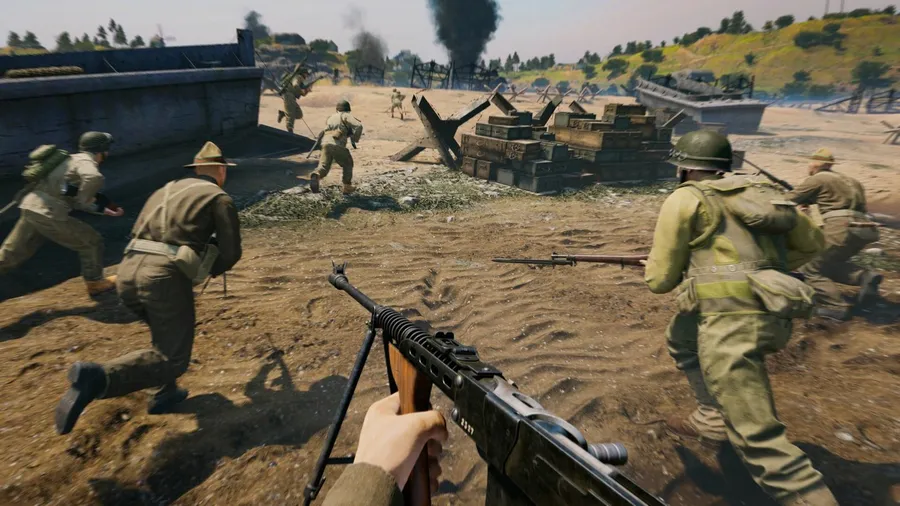
Enlisted is a squad-based WWII shooter developed by Darkflow Software and published by Gaijin. Instead of controlling one soldier, you command a squad of AI-controlled soldiers. If one falls, you switch to another and keep going.
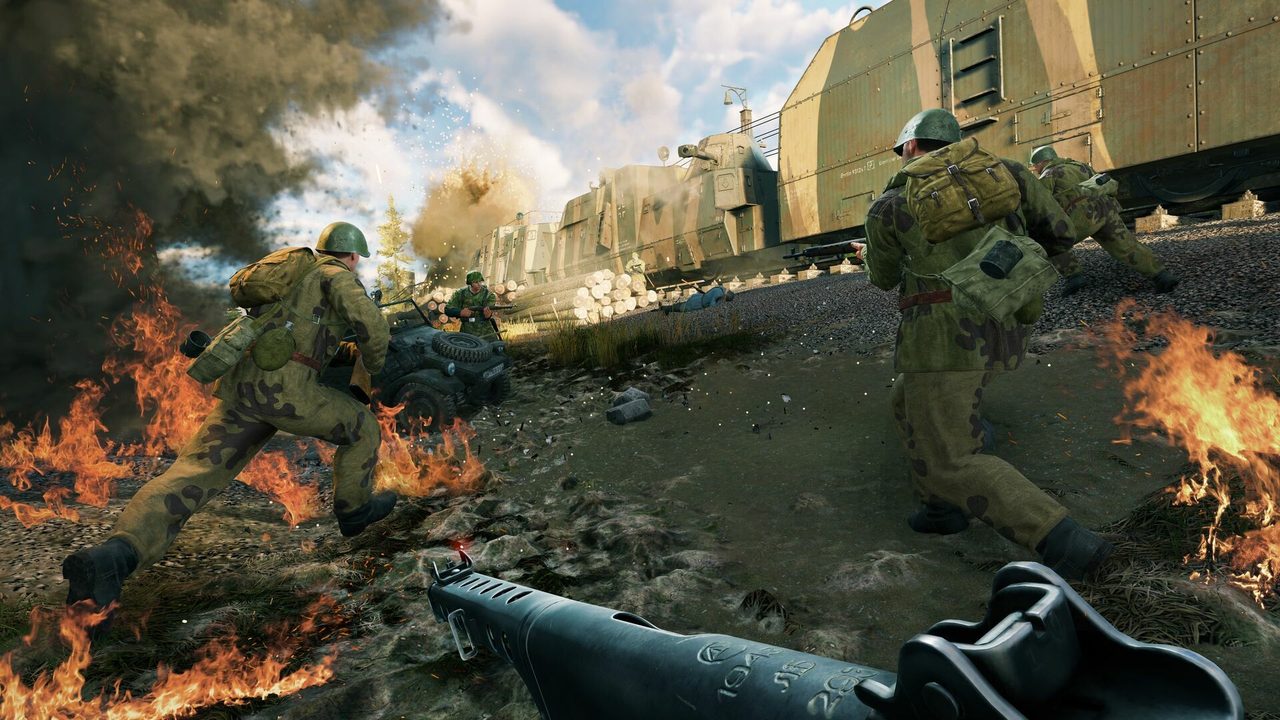
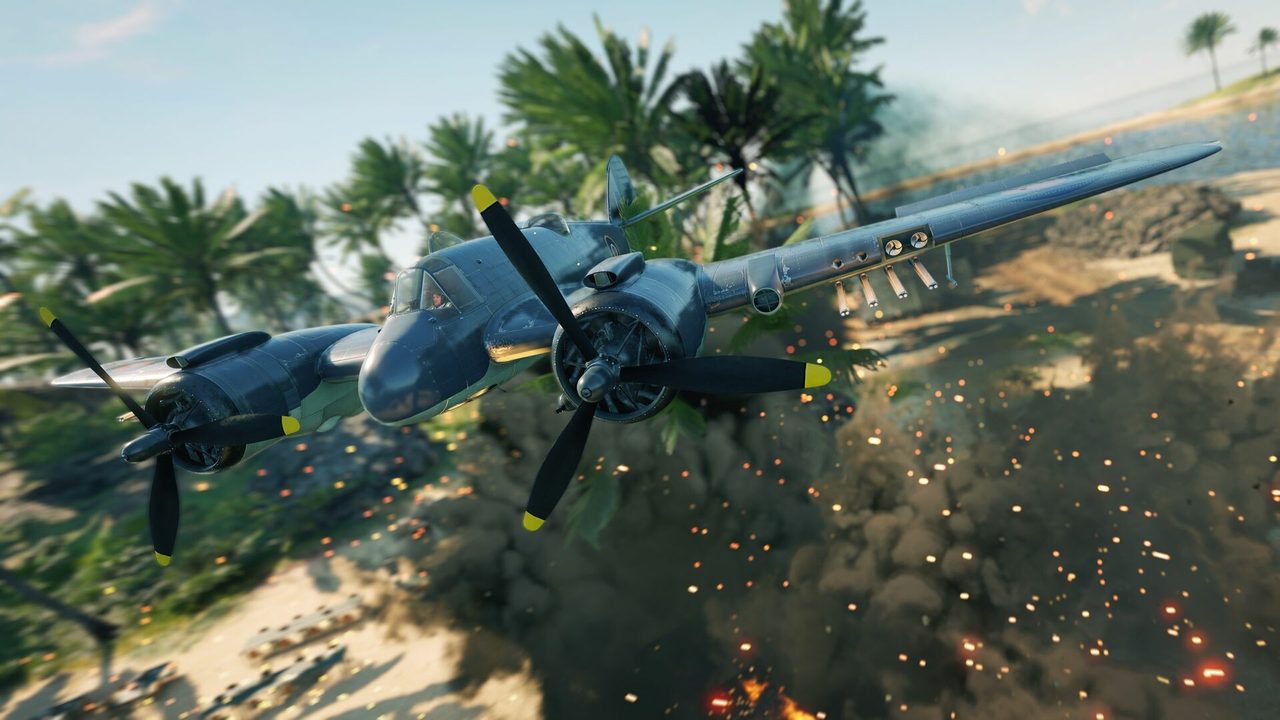
That design is what makes battles feel big. Each match can include hundreds of soldiers plus tanks and aircraft. Campaigns cover the Pacific islands, Normandy, Berlin, Moscow, Stalingrad and Tunisia, and the game features four nations.
Enlisted PC system requirements
These are the official specs from the game’s Steam listing.
| Minimum | Recommended | |
|---|---|---|
| OS | Windows 10/11 64-bit | Windows 10/11 64-bit |
| CPU | Intel Core i3 or better | Core i5-10400 / Ryzen 5 3600 |
| RAM | 8 GB | 8 GB |
| GPU | GTX 660 / Radeon HD 78XX | GTX 1080 / RX 5700 XT |
| DirectX | 11 | 11 |
| Storage | 49 GB | 49 GB |
The gap between the two GPU tiers is wide. A GTX 660 gets you into matches at low settings, while large battles with many soldiers on screen look and run better closer to a GTX 1080. Our guide to checking a game’s system requirements shows how to see where your card falls.
How to download Enlisted on PC
- Free up 49 GB. An SSD shortens map loading, which matters in a game with frequent matches.
- Open the official download. Use the button below. It goes through our affiliate partner to the official PC download.
- Install the launcher. Run the installer and let it download the game. If you land on Steam instead, click Play Game.
- Sign in with a Gaijin account. Create one or use the account you already have for War Thunder.
- Play the tutorial. It covers squad orders and switching soldiers. Both work differently from other shooters.
What to know before your first battle
- Your squad follows you. AI soldiers move with you and fight on their own, and you can give them simple orders. Keep them close, because a scattered squad dies fast.
- Switching soldiers is the core mechanic. When your current soldier is down, take over the next one rather than waiting to respawn.
- Settings matter in big fights. If your frame rate drops when many soldiers are on screen, lower shadows and effects first.
- Pick a front that suits you. Urban fronts such as Berlin and Stalingrad favor close-quarters fighting, while open maps such as Tunisia and the Pacific islands reward long-range weapons and vehicles. Try more than one before you invest heavily in a single campaign.
How long does the Enlisted download take?
Download time depends on your connection and the install size. The table below assumes about 49 GB, and updates add to that over time. Times are for the download itself, at the full speed of each connection.
| Connection | Approximate download time |
|---|---|
| 50 Mbps | about 2.2 hours |
| 100 Mbps | about 1.1 hours |
| 300 Mbps | about 22 min |
| 1 Gbps | about 7 min |
Real-world speeds usually land below a plan’s advertised figure, so treat these as best-case numbers. If the download runs far slower than your connection allows, check whether another device or app on your network is downloading at the same time, then pause and resume the download.
If Enlisted won’t install or launch
Try these in the order worth trying them. Stop as soon as the problem is fixed.
- Check the game files. Use the launcher’s file check, or Properties → Installed Files → Verify integrity of game files on Steam.
- Update the GPU driver. Crashes right after an update usually point to the driver.
- Allow the launcher through security software. Antivirus can block the updater. Add an exception for the game folder.
- Free up space. Updates need room to unpack before they install.
If it still won’t start, our PC game troubleshooting guide covers crashes and launch errors in more depth.
Ready to deploy
Enlisted is quick to get into once the files are down. Install it, run the tutorial and pick a campaign.
This download link is an affiliate link — see our Affiliate Disclosure for how that works. It doesn’t change anything about your download or account.