Infinity Kingdom is free to play on PC, and its requirements are among the lowest of any current strategy game. The minimum is 2 GB of RAM and a 2 GB install. This guide covers what the game is, the official specs, the install steps in order and what to try if it won’t launch.
What is Infinity Kingdom?
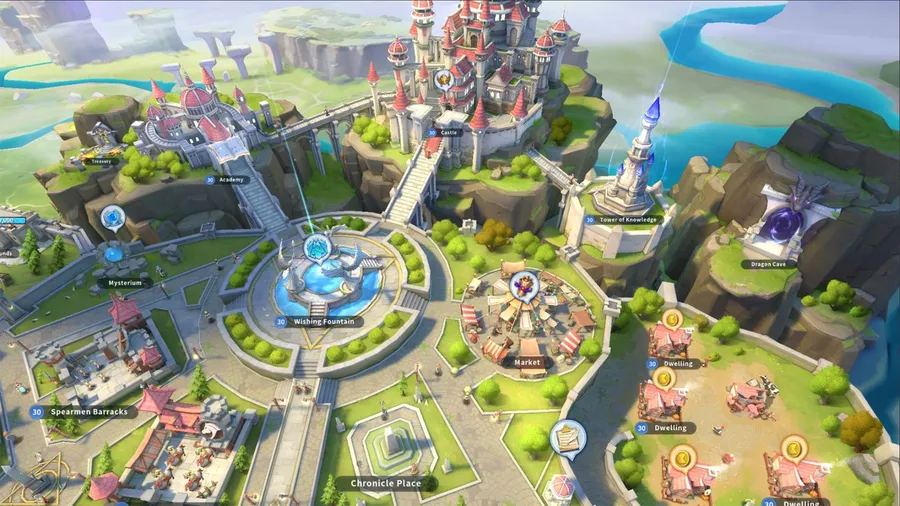
Infinity Kingdom is a cartoon-style MMO strategy game from YOUZU. You play a lord in the land of Norheim, which an army of gnomes and their war machines has overrun. Your job is to rebuild, defend against the gnomes and protect your city from other players.
Heroes called Immortals, drawn from history, lead your troops. Dragons are part of the game too: you can raise and upgrade them alongside your army. It’s been on Steam since July 1, 2021.

Infinity Kingdom PC system requirements
These are the official specs from the game’s Steam listing. Both tiers need a 64-bit processor and operating system.
| Minimum | Recommended | |
|---|---|---|
| OS | Windows 7 | Windows 10 |
| RAM | 2 GB | 8 GB |
| DirectX | 10 | 11 |
| Storage | 2 GB | 4 GB |
| Network | Broadband | Broadband |
The listing gives no CPU or GPU floor, so any PC with DirectX 11 support and a current driver should be fine. If you’re not sure, our guide to checking a game’s system requirements shows how to check your DirectX version.
How to download Infinity Kingdom on PC
- Open the official download. Use the button below. It goes through our affiliate partner to the game’s official PC download.
- Install the game. Run the installer, or click Play Game if you land on Steam. At 2–4 GB, it downloads quickly.
- Sign in. Create an account or sign in with the one you already use.
- Follow the tutorial. It walks you through your first buildings, your first Immortals and your first fight against the gnomes.
- Pick a server with friends. If you’re playing with people you know, join the same server, because alliances are server-based.
What to focus on early
- Upgrade your core buildings. Your central building’s level caps what else you can upgrade, so keep it ahead.
- Invest in a few Immortals. Level a small group of heroes rather than spreading resources across all of them.
- Join an alliance. Allies speed up construction and help defend you from other players.
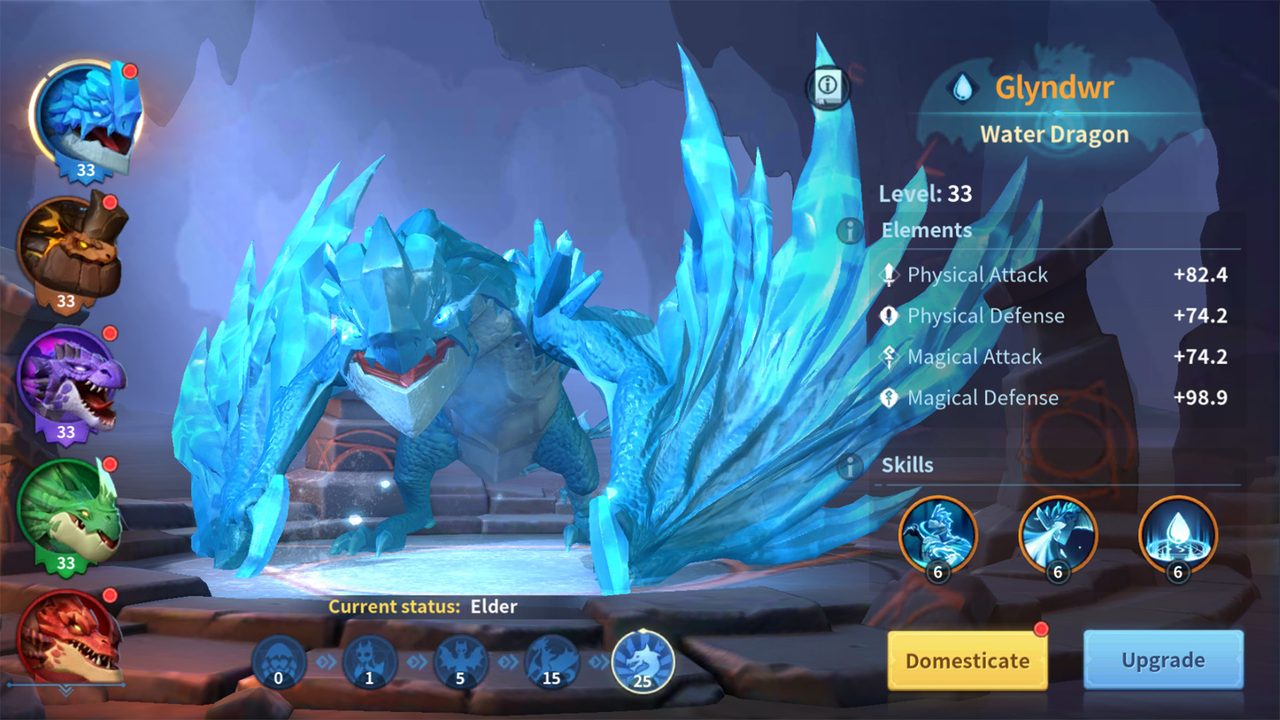
- Raise your dragons. Dragons can be upgraded alongside your army, and a strong dragon adds real power to your forces. Feed resources to one dragon at a time rather than spreading them thin.
How long does the Infinity Kingdom download take?
Download time depends on your connection and the install size. The table below assumes about 4 GB, using the recommended storage figure. Times are for the download itself, at the full speed of each connection.
| Connection | Approximate download time |
|---|---|
| 50 Mbps | about 11 min |
| 100 Mbps | about 5 min |
| 300 Mbps | about 2 min |
| 1 Gbps | under a minute |
Real-world speeds usually land below a plan’s advertised figure, so treat these as best-case numbers. If the download runs far slower than your connection allows, check whether another device or app on your network is downloading at the same time, then pause and resume the download.
If Infinity Kingdom won’t install or launch
Try these in the order worth trying them. Stop as soon as the problem is fixed.
- Verify or reinstall. On Steam, open Properties → Installed Files → Verify integrity of game files. Given the small size, a reinstall is also quick.
- Update your graphics driver. It’s the usual fix for a black screen or crash at launch.
- Check your connection. The game is always online, and a VPN or strict firewall can block the login.
- Close overlays. Close recording and performance overlays one at a time, then relaunch.
For anything beyond that, our PC game troubleshooting guide covers launch errors and crashes in more depth.
Ready to defend Norheim
The install takes a few minutes on almost any PC. Download it and start rebuilding.
This download link is an affiliate link — see our Affiliate Disclosure for how that works. It doesn’t change anything about your download or account.