Foundation: Galactic Frontier is free to play on PC through FunPlus’s official Windows launcher. Its Steam page still says “Coming Soon”, which confuses a lot of people, but the launcher version is available now. This guide covers what the game is, how to install it and what to check when the install fails.
What is Foundation: Galactic Frontier?
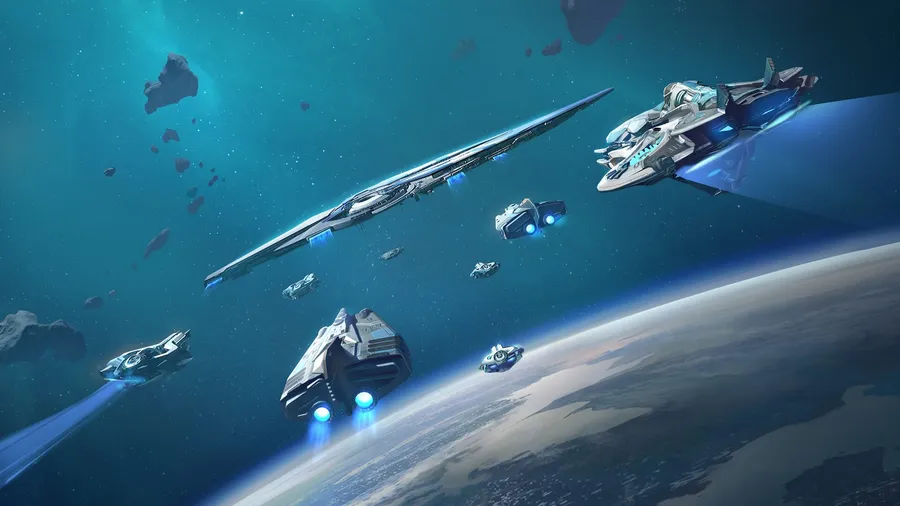
Foundation: Galactic Frontier is a sci-fi strategy RPG from FunPlus, officially licensed from Isaac Asimov’s Foundation novels. As the Galactic Empire falls, you play an interstellar trader working between the Empire, the Foundation, rival factions and rebels. Along the way you uncover the secrets of Seldon’s Plan and confront the Mule.
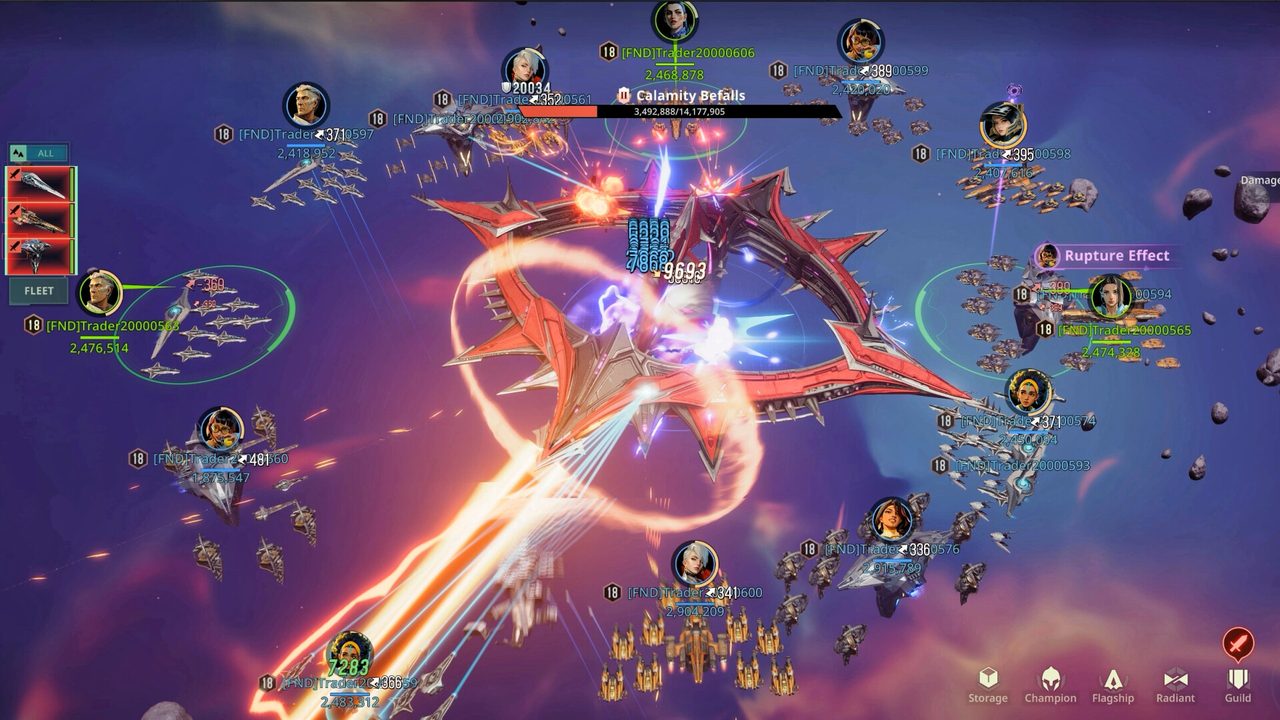
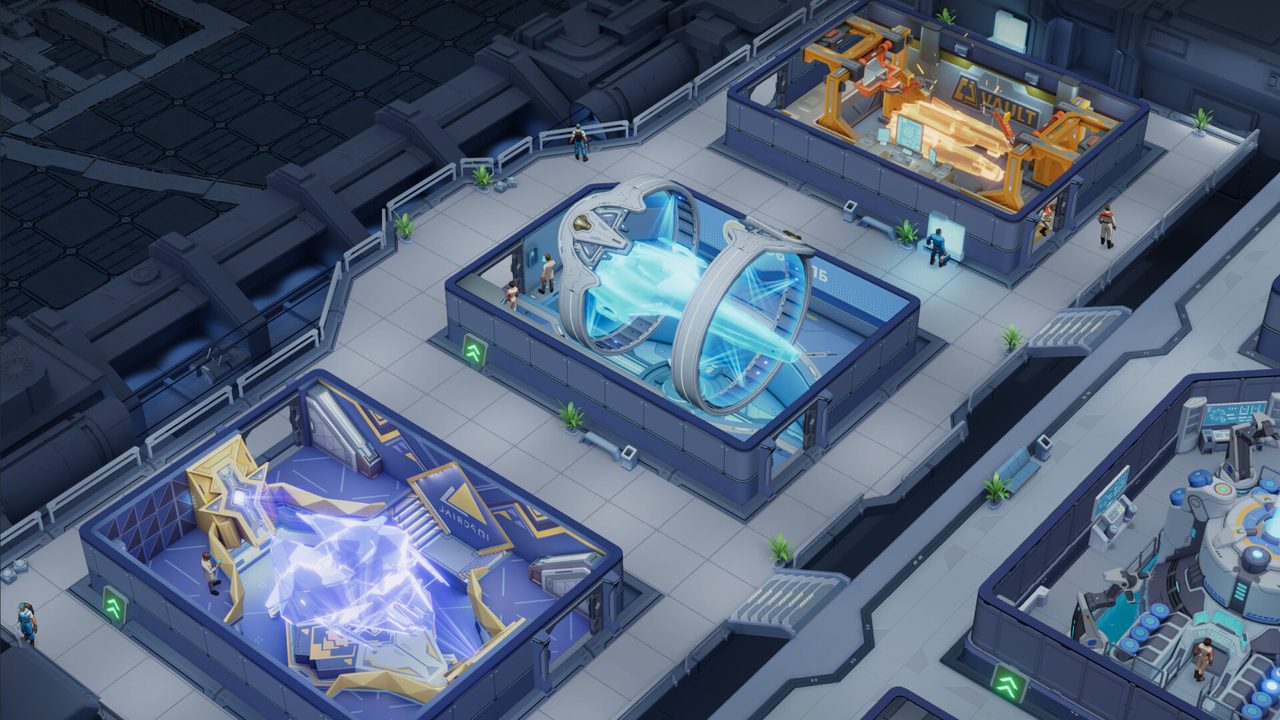
The game mixes three layers. You build and manage a mothership with cabins for food, water recycling and steel. You fly into third-person shootouts. And you command fleets in large space battles. The official site lists Windows, macOS, iOS and Android, with progress carried across them.
Foundation: Galactic Frontier PC requirements
The game’s Steam page lists a minimum spec. Treat it as a guide, because the page is still marked as coming soon and specs often change before a store launch.
| Minimum | |
|---|---|
| OS | Windows 7 SP1 or later, 64-bit |
| CPU | Core 2 Duo E6400 / Athlon x64 4000+ |
| RAM | 4 GB |
| GPU | GTX 460 / Radeon HD 4400 |
| DirectX | 10 |
| Storage | 8 GB |
Those are low numbers. Any gaming PC from the last decade, and most office laptops, clear them. Our guide to checking a game’s system requirements shows how to confirm your own specs.
How to download Foundation: Galactic Frontier on PC
- Open the official download. Use the button below. It goes through our affiliate partner to FunPlus’s official PC download.
- Run the launcher installer. It installs the FunPlus launcher, which then downloads the game.
- Let the download finish. Keep the launcher open until it reports the game is ready.
- Sign in. Create an account, or sign in with the one you use on mobile to keep your progress.
- Start the story. The opening missions introduce trading, your mothership and combat one at a time.
What to focus on early
- Build out your mothership. Its cabins supply the food, water and steel everything else depends on, so keep them upgraded.
- Trade routes are income. As a trader, the routes you set up pay for ships and upgrades.
- Fleet strategy beats raw power. In larger battles, positioning and fleet composition matter as much as ship level.
- Choose how you play the story. The official description lets you act as a trader, a bounty hunter or a political strategist between the Empire, the Foundation and the rebels. Lean into one role early, because it shapes where your income comes from.
How long does the Foundation: Galactic Frontier download take?
Download time depends on your connection and the install size. The table below assumes about 8 GB, based on the Steam listing’s storage figure. Times are for the download itself, at the full speed of each connection.
| Connection | Approximate download time |
|---|---|
| 50 Mbps | about 21 min |
| 100 Mbps | about 11 min |
| 300 Mbps | about 4 min |
| 1 Gbps | about 1 min |
Real-world speeds usually land below a plan’s advertised figure, so treat these as best-case numbers. If the download runs far slower than your connection allows, check whether another device or app on your network is downloading at the same time, then pause and resume the download.
If the install fails or the game won’t start
Try these in the order worth trying them. Stop as soon as the problem is fixed.
- Restart the launcher. A stalled download usually resumes after a restart.
- Repair or reinstall. Your progress is on your account, so reinstalling the client loses nothing.
- Update your graphics driver. It’s the usual fix for crashes on the loading screen.
- Allow the launcher through security software. Antivirus can block the updater. Add an exception for the install folder.
For anything beyond that, our PC game troubleshooting guide covers launch errors and crashes in more depth.
Ready to launch
The launcher version is the way to play on PC right now. Install it, sign in and take command of your mothership.
This download link is an affiliate link — see our Affiliate Disclosure for how that works. It doesn’t change anything about your download or account.