War Thunder is free to play on PC and runs on far older hardware than most current shooters. The official minimum is a dual-core CPU, 4 GB of RAM and a GTX 660. This guide covers the official specs, the install steps in order and what to check when the client won’t launch.
What is War Thunder?
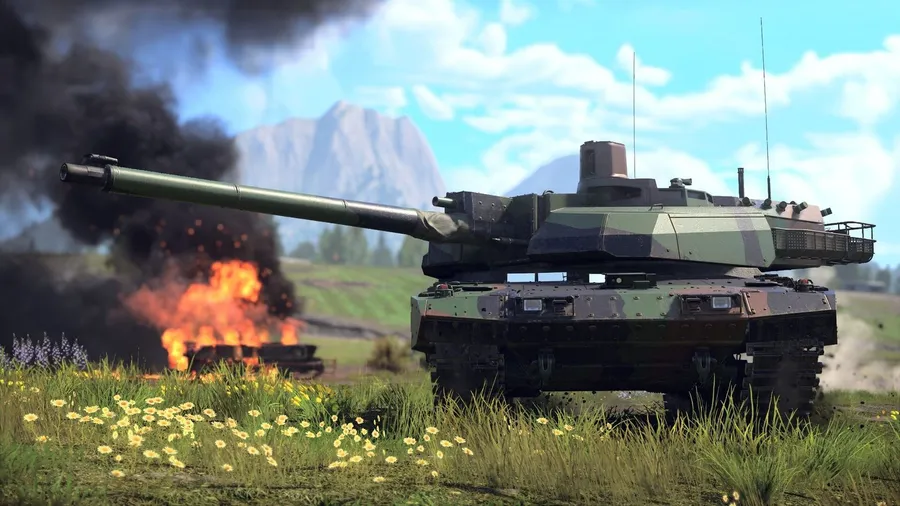
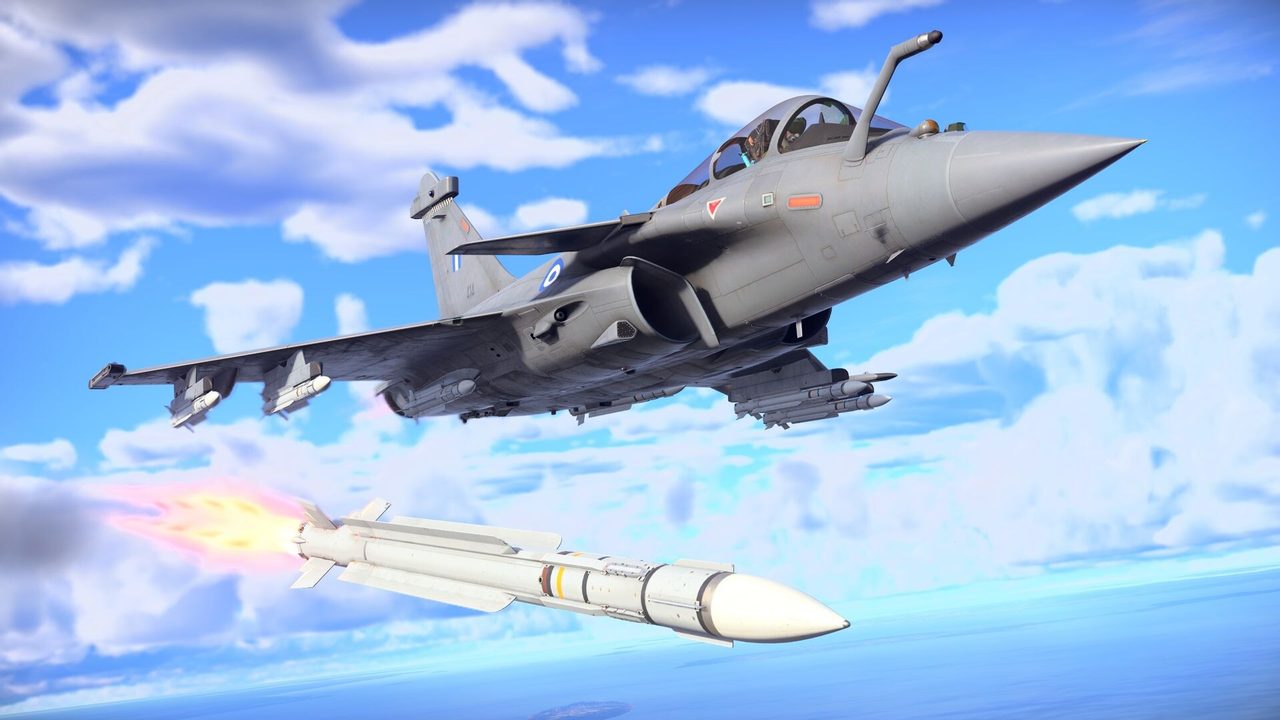
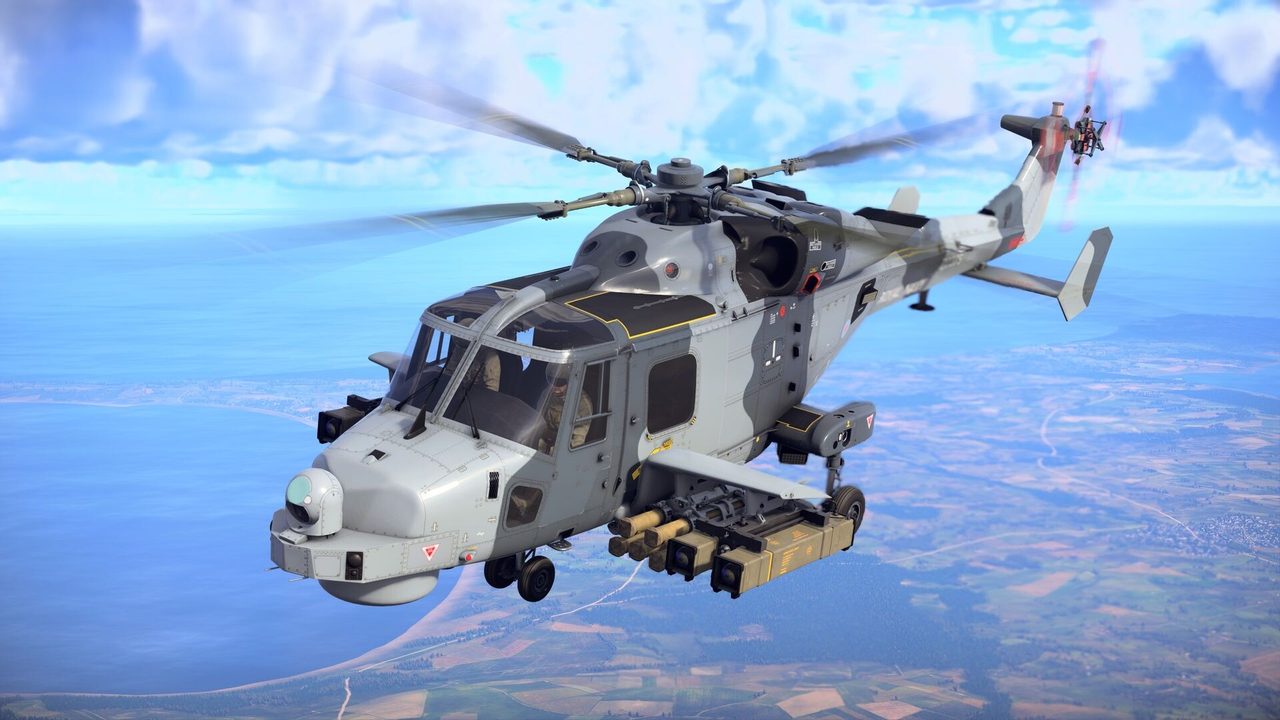
War Thunder is a free-to-play military vehicle combat MMO from Gaijin Entertainment. It covers aircraft, attack helicopters, ground vehicles and naval ships, from the early 20th century to modern combat units, with more than 3,000 vehicles to unlock.
Battles mix vehicle types. You might defend teammates from an air raid with an anti-aircraft gun, or chase bombers in a fighter while tanks fight below. War Thunder has been on PC since 2013, so the community and the vehicle roster are both large.
War Thunder PC system requirements
These are the official specs from the game’s Steam listing.
| Minimum | Recommended | |
|---|---|---|
| OS | Windows 10 64-bit | Windows 10/11 64-bit |
| CPU | Dual-core 2.2 GHz | Core i5 / Ryzen 5 3600 or better |
| RAM | 4 GB | 16 GB |
| GPU | Radeon 77XX / GTX 660 (DirectX 11) | GTX 1060 / RX 570 or better |
| Storage | 70 GB | 95 GB |
The minimum spec also notes that 720p is the lowest supported resolution, and that you need a keyboard or gamepad. War Thunder supports SteamVR too. If you’re not sure how your PC compares, see our guide to checking a game’s system requirements.
How to download War Thunder on PC
- Free up 70–95 GB. The client downloads high-quality textures for the recommended setup. If space is tight, you can choose the minimal client in the launcher.
- Open the official download. Use the button below. It goes through our affiliate partner to Gaijin’s official PC download.
- Install the launcher. Run the installer, pick your install folder and let the launcher download the game. If you land on Steam instead, click Play Game.
- Sign in with a Gaijin account. Create one or log in on first launch. Your vehicles and research are tied to that account.
- Start with the tutorials. Play the short training missions for aircraft and ground vehicles before your first random battle. The controls differ a lot between vehicle types.
Picking a game mode as a new player
War Thunder has three main difficulty modes, and the choice changes how the game plays.
| Mode | What it means | Good for |
|---|---|---|
| Arcade | Simplified physics, aim assists, markers on enemies | Learning vehicles and maps |
| Realistic | More realistic physics, fewer aids | Players who know the basics |
| Simulator | Cockpit or gunner view only, full physics | Joystick and VR players |
Start in Arcade. Move up once you can land hits and stay alive in your vehicle.
How long does the War Thunder download take?
Download time depends on your connection and the install size. The table below assumes about 70 GB, and the full high-quality client is closer to 95 GB. Times are for the download itself, at the full speed of each connection.
| Connection | Approximate download time |
|---|---|
| 50 Mbps | about 3.1 hours |
| 100 Mbps | about 1.6 hours |
| 300 Mbps | about 31 min |
| 1 Gbps | about 9 min |
Real-world speeds usually land below a plan’s advertised figure, so treat these as best-case numbers. If the download runs far slower than your connection allows, check whether another device or app on your network is downloading at the same time, then pause and resume the download.
If War Thunder won’t install or launch
Try these in the order worth trying them. Stop as soon as the problem is fixed.
- Check the files. Gaijin’s launcher has a file check that repairs damaged files. On Steam, open Properties → Installed Files → Verify integrity of game files.
- Update the GPU driver. Old drivers are a common cause of crashes after major updates.
- Check free space. Large updates fail partway through on a nearly full drive.
- Allow the launcher through your firewall or antivirus. Security software sometimes blocks the updater. Add an exception for the War Thunder folder.
For deeper problems, our PC game troubleshooting guide covers crashes and launch errors step by step.
Ready to roll out
War Thunder has a lot of depth, but getting into a first battle takes little effort. Install it, play the training missions and start in Arcade.
This download link is an affiliate link — see our Affiliate Disclosure for how that works. It doesn’t change anything about your download or account.