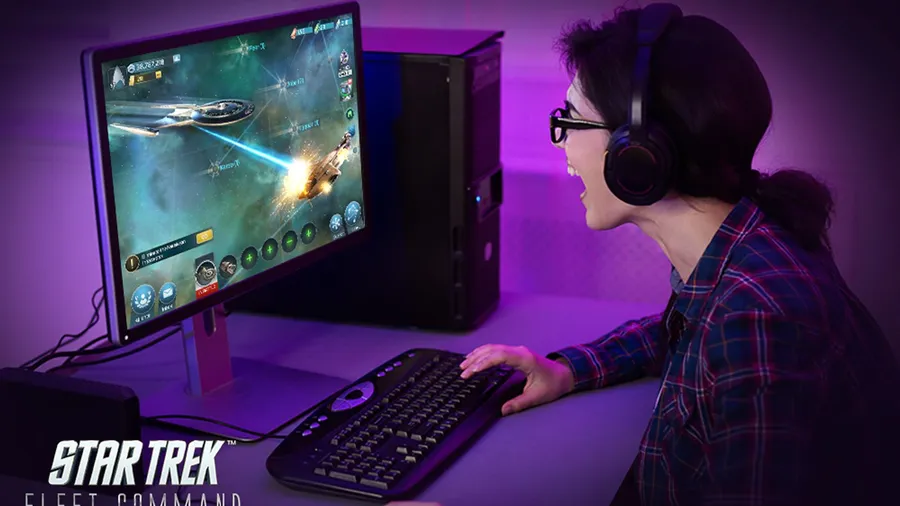
Star Trek Fleet Command is free to play on PC through Scopely’s official Windows launcher, so you don’t need a phone emulator. Install the launcher, sign in with your Scopely account and let it finish updating. This guide covers each step and the fixes for common launch problems.
What is Star Trek Fleet Command?
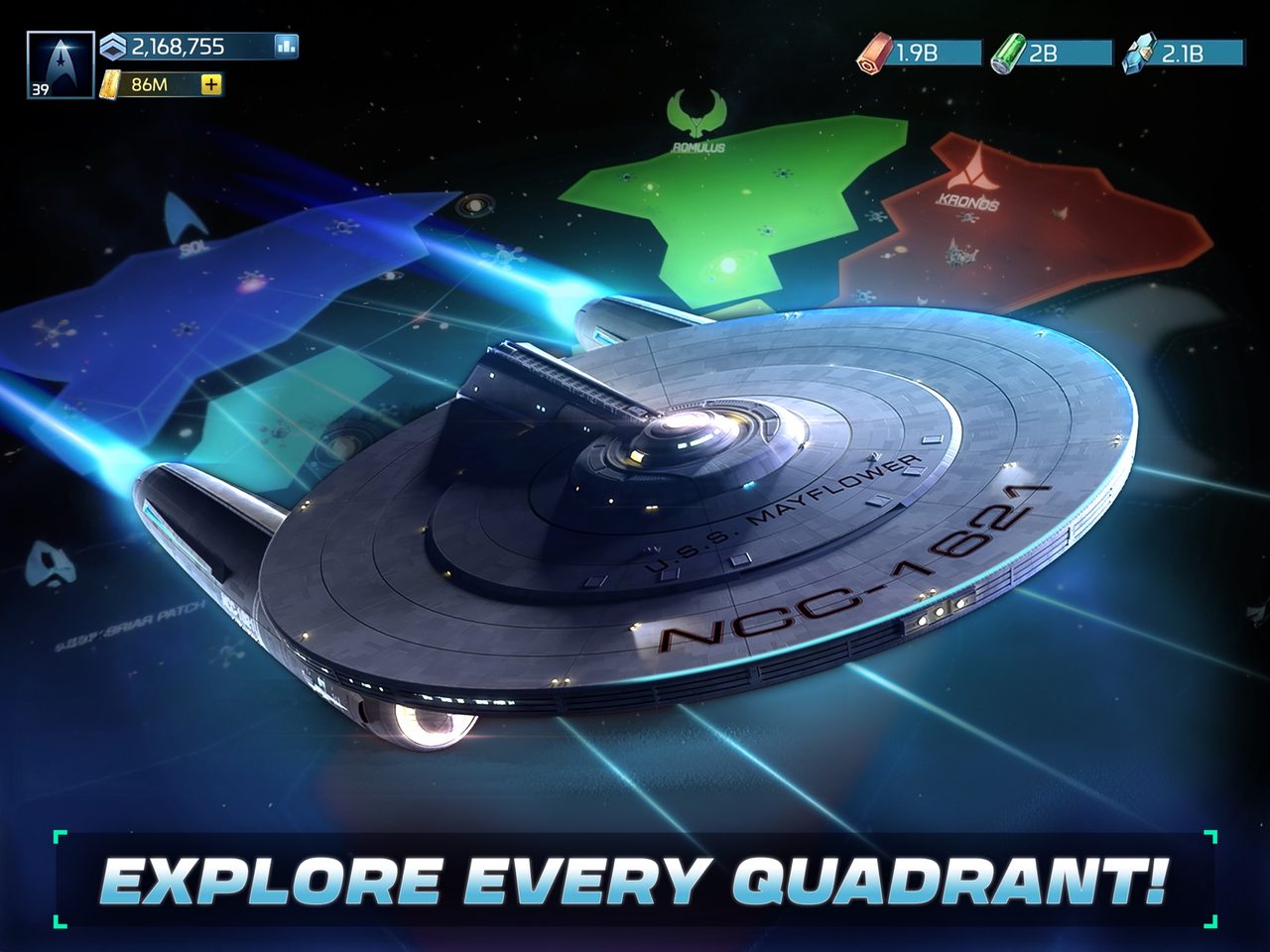
Star Trek Fleet Command is an open-world space strategy game from Scopely. You command a star base at the edge of the final frontier while Federation, Klingon and Romulan forces fight for control of the Alpha and Beta quadrants.
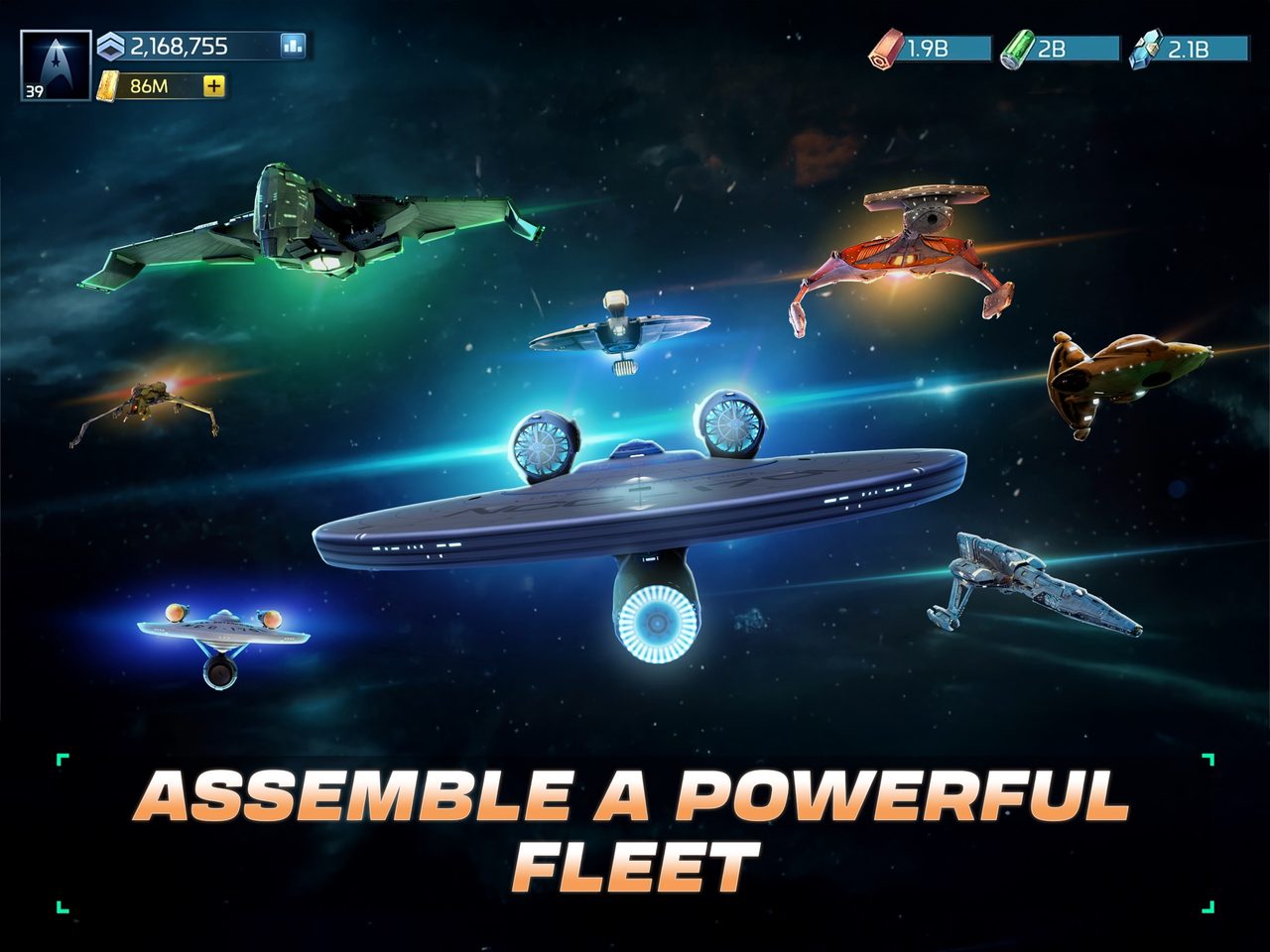
You recruit officers from across Star Trek, including James T. Kirk, Spock and Nero. You build a fleet that can include the U.S.S. Enterprise, the Romulan Warbird and the Klingon Bird of Prey. Progress comes from upgrading your station, researching technology and choosing which factions to side with.
What your PC needs
Fleet Command isn’t on Steam, so there’s no formal Steam spec sheet. Scopely distributes the PC version through its own launcher, and the official site lists it for Windows. It’s a strategy game rather than a 3D action game, so it’s light on hardware. Most Windows 10 or 11 PCs with a current graphics driver and a broadband connection run it.
If you want to confirm what’s in your PC before you install, our guide to checking a game’s system requirements walks through it.
How to download Star Trek Fleet Command on PC
- Link your mobile account first. If you play on a phone, connect your progress to a Scopely account in the game’s settings.
- Open the official download. Use the button below. It goes through our affiliate partner to the official PC download.
- Install the launcher. Run the installer and let it download and update the game.
- Sign in. Use your Scopely account to load your station, or start a new one.
- Follow the opening missions. They teach ship movement, combat and station upgrades.
What to know as a new commander
- Your station is your engine. Station upgrades unlock better ships and research. Keep building queues running.
- Join an alliance. Alliances share help, territory and protection. A solo player is an easy target in a galaxy at war.
- Pick fights carefully. Ships take damage and need repairs, so match your ship to targets at your level.
- Choose your faction relationships. Federation, Klingon and Romulan forces are at war, and your standing with each one affects what you can do in their territory. Decide early which side you lean toward.
Should you play Star Trek Fleet Command on PC or on mobile?
You don’t have to choose for good. Your Scopely account holds your station, officers and fleet, so the same save opens on PC and phone. Many players use both: the phone for quick check-ins, and the PC for longer sessions.
The PC version earns its place for the longer sessions. A larger screen shows more at once, which helps with tracking several ships and the galaxy map at once. A mouse is more precise than a fingertip, and your phone’s battery and heat stop being a factor. The trade-off is that the PC client is a separate install that needs its own updates, so let it update before a planned session rather than at the start of one.
| PC | Mobile | |
|---|---|---|
| Screen | Large, more on screen at once | Small, portable |
| Controls | Mouse and keyboard | Touch |
| Battery and heat | Not a factor | Limits long sessions |
| Best for | Long sessions | Quick check-ins |
If Star Trek Fleet Command won’t install or launch
Try these in the order worth trying them. Stop as soon as the problem is fixed.
- Restart the launcher. A stuck update usually resumes after a restart.
- Reinstall the launcher. Your station and fleet are saved to your Scopely account, not your PC, so you lose nothing.
- Update your graphics driver. It’s the usual fix for crashes or a blank window at startup.
- Check your connection. The game is always online, and a VPN or strict firewall can block the login.
For anything beyond that, our PC game troubleshooting guide covers launch errors and crashes in more depth.
Ready to take the conn
Install the official launcher, sign in and your station is ready.
This download link is an affiliate link — see our Affiliate Disclosure for how that works. It doesn’t change anything about your download or account.