STALZONE is free to play on PC, and it runs on modest hardware. The minimum is a GTX 950 and 4 GB of RAM, plus 50 GB of storage. This guide covers the official specs, the install steps in order and what to try if the game won’t start.
What is STALZONE?
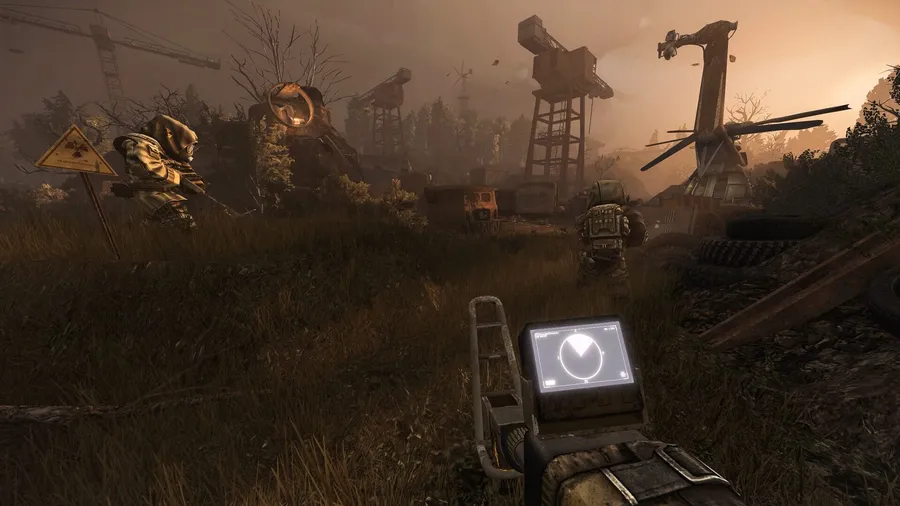
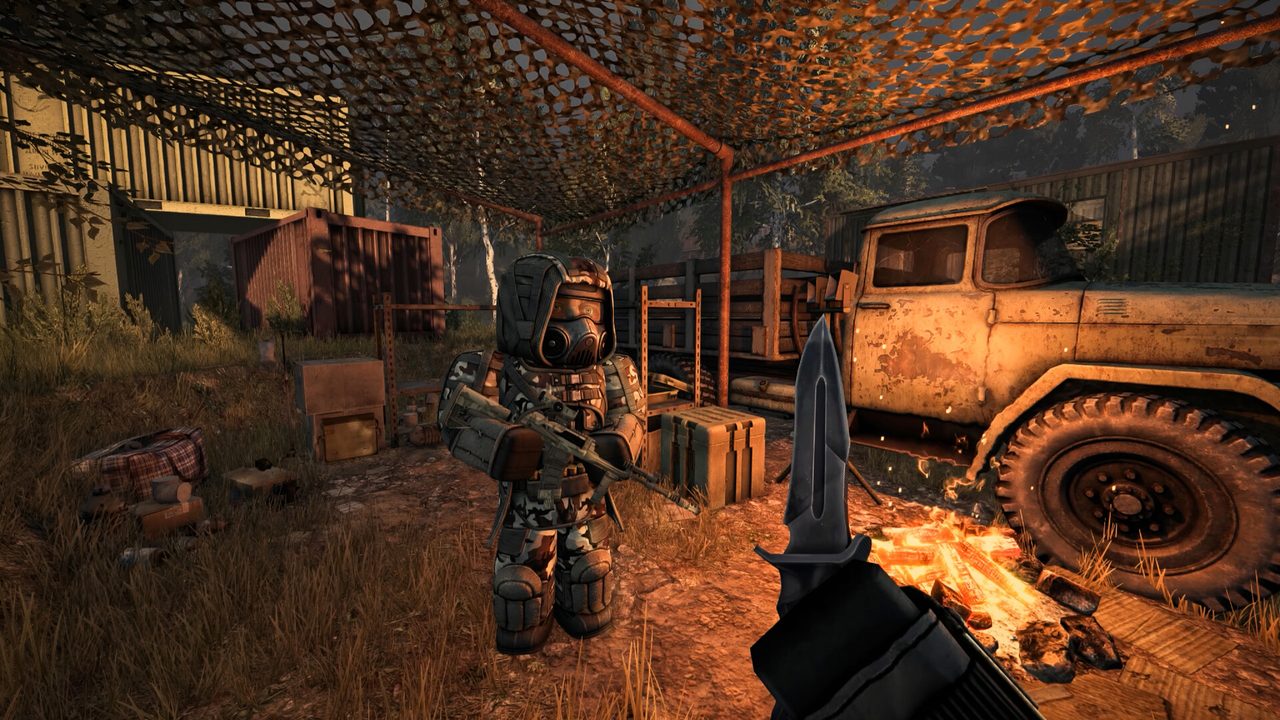
STALZONE is a PvPvE extraction shooter from EXBO, set in a version of the Chernobyl Exclusion Zone twisted by anomalies. Rival factions divide the map, and their territory shapes how dangerous each route is.
What sets it apart from most extraction shooters is persistence. You keep your gear and long-term progress, and only the loot you find on a run is at risk until you bring it back. The world has no escape timers and no progression wipes. NPCs live in it and factions fight over it, so it plays partly like an MMO.
STALZONE PC system requirements
These are the official specs from the game’s Steam listing. Both tiers need a 64-bit processor and operating system.
| Minimum | Recommended | |
|---|---|---|
| OS | Windows 10/11 64-bit | Windows 10/11 64-bit |
| CPU | Core i3-6100 / Ryzen 3 1200 | Core i5-7400 / Ryzen 5 1600 |
| RAM | 4 GB | 8 GB |
| GPU | GTX 950 / RX 560 | GTX 1060 / RX 580 |
| Storage | 50 GB (SSD recommended) | 50 GB (SSD recommended) |
EXBO recommends an SSD at both tiers. In an online shooter, slow asset streaming shows up as hitches at the worst moments. Our guide to checking a game’s system requirements covers how to check which drive type you have.
How to download STALZONE on PC
- Free up 50 GB on an SSD. Install to the SSD even if you have a larger hard drive.
- Open the official download. Use the button below. It goes through our affiliate partner to the game’s official PC download.
- Install the game. If the page sends you to Steam, click Play Game and pick the SSD. Otherwise, run the official installer.
- Create your account and character. Sign in on first launch and choose a name. Pick your faction when the game asks, because it decides which territory is friendly to you.
- Run a short first raid. Learn the controls and extraction flow on an easy route before you carry valuable loot.
What to know before your first raid
- Loot is only safe once you extract. Anything you pick up during a run can be lost. Your base gear and progress can’t.
- Faction territory changes the danger. Over time you learn which routes are safer for your side. Early on, stay on routes other players recommend.
- Anomalies are part of the map. They’re hazards in the environment, so learn to spot them and route around them rather than through them.
How long does the STALZONE download take?
Download time depends on your connection and the install size. The table below assumes about 50 GB, and patches add to that over time. Times are for the download itself, at the full speed of each connection.
| Connection | Approximate download time |
|---|---|
| 50 Mbps | about 2.2 hours |
| 100 Mbps | about 1.1 hours |
| 300 Mbps | about 22 min |
| 1 Gbps | about 7 min |
Real-world speeds usually land below a plan’s advertised figure, so treat these as best-case numbers. If the download runs far slower than your connection allows, check whether another device or app on your network is downloading at the same time, then pause and resume the download.
If STALZONE won’t install or launch
Try these in the order worth trying them. Stop as soon as the problem is fixed.
- Verify the game files. On Steam, open Properties → Installed Files → Verify integrity of game files. The standalone launcher has its own repair option.
- Update the GPU driver. Online shooters update often, and an old driver is a common cause of crashes after a patch.
- Allow the game through your firewall. A blocked connection can look like a crash at the login screen.
- Close overlays. Close recording and performance overlays one at a time, then relaunch.
If none of that helps, our PC game troubleshooting guide covers crashes and launch errors step by step.
Ready to enter the Zone
STALZONE’s install is light by current standards. Download it, run an easy first raid and learn the map before you take risks.
This download link is an affiliate link — see our Affiliate Disclosure for how that works. It doesn’t change anything about your download or account.