Project Entropy is free to play on PC and has a low bar to entry. The official minimum is a GTX 460, 4 GB of RAM and about 8 GB of storage. This guide covers what the game is, the specs, the install steps in order and what to try if it won’t launch.
What is Project Entropy?
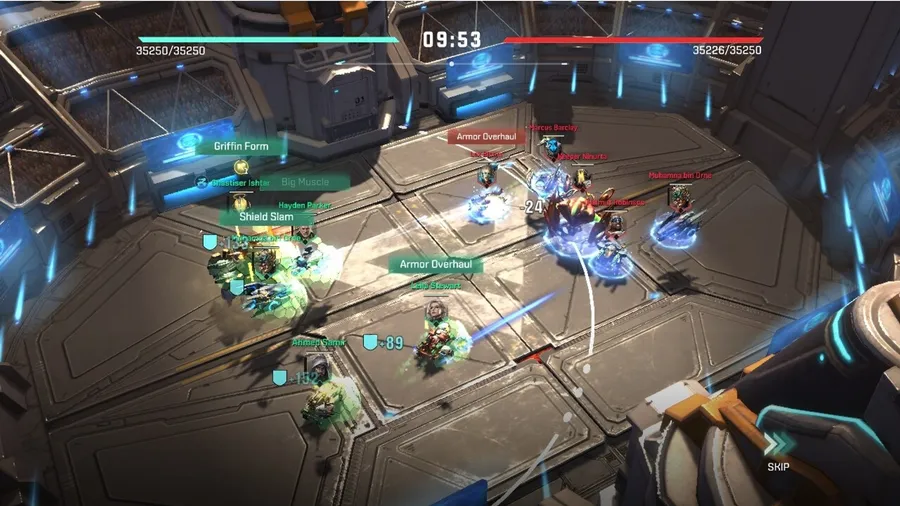
Project Entropy is a sci-fi strategy MMO from FunPlus that combines real-time strategy with role-playing progression. You take command of alien civilizations, each with its own abilities, technology and units, and expand across uncharted planets.
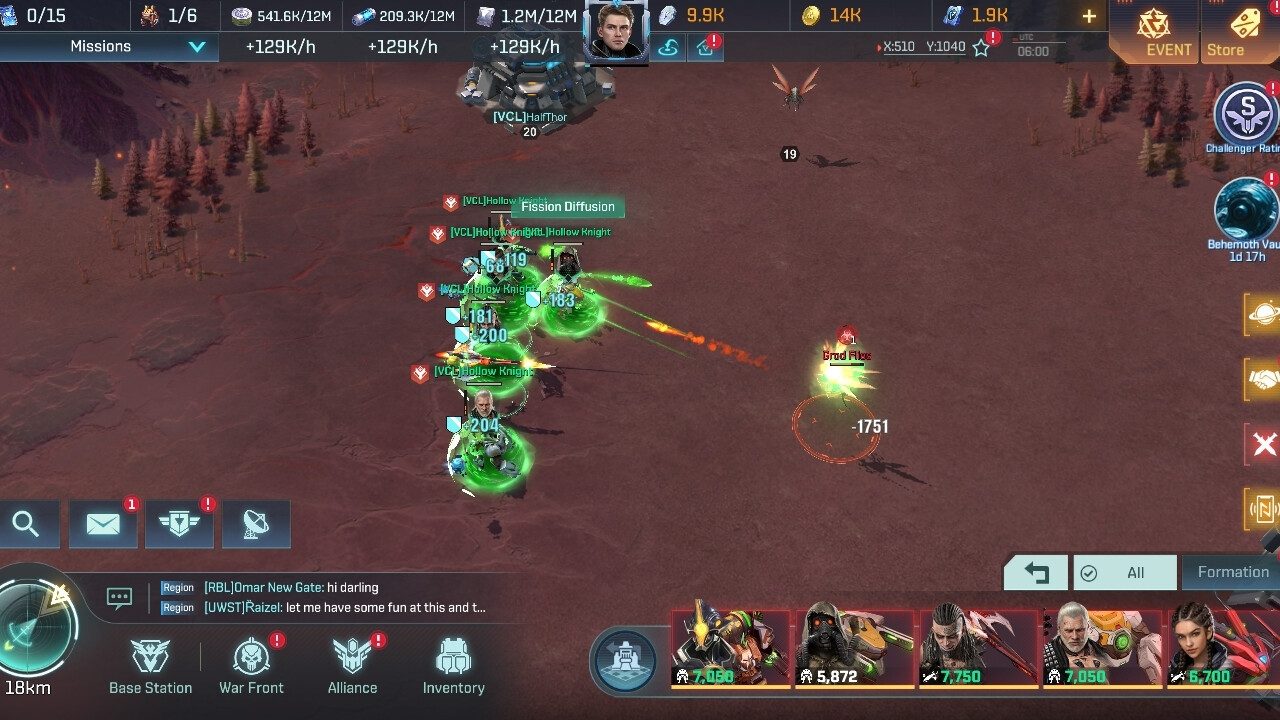
The core loop is building and fighting. You build a base, assemble fleets of hero units and vehicles, and team up with other players in large real-time battles. The game came to Steam on April 16, 2024.
Project Entropy PC system requirements
The game’s Steam listing gives a minimum spec. It needs a 64-bit processor and operating system.
| Minimum | |
|---|---|
| OS | Windows 7 SP1 or later, 64-bit |
| CPU | Core 2 Duo E6400 / Athlon x64 4000+ |
| RAM | 4 GB |
| GPU | GTX 460 / Radeon HD 4400 |
| DirectX | 10 |
| Storage | 8 GB |
These figures are low, so the more practical things to check are a current graphics driver and free disk space for updates. Our guide to checking a game’s system requirements shows where to find both.
How to download Project Entropy on PC
- Open the official download. Use the button below. It goes through our affiliate partner to the game’s official PC download.
- Install the game. Run the installer, or click Play Game if you land on Steam.
- Let the first update finish. Online strategy games often patch on first launch. Wait until the update completes.
- Sign in or create an account. If you play on mobile, use the same account to keep your progress.
- Follow the opening missions. They introduce base building, unit control and your first heroes.
What to focus on early
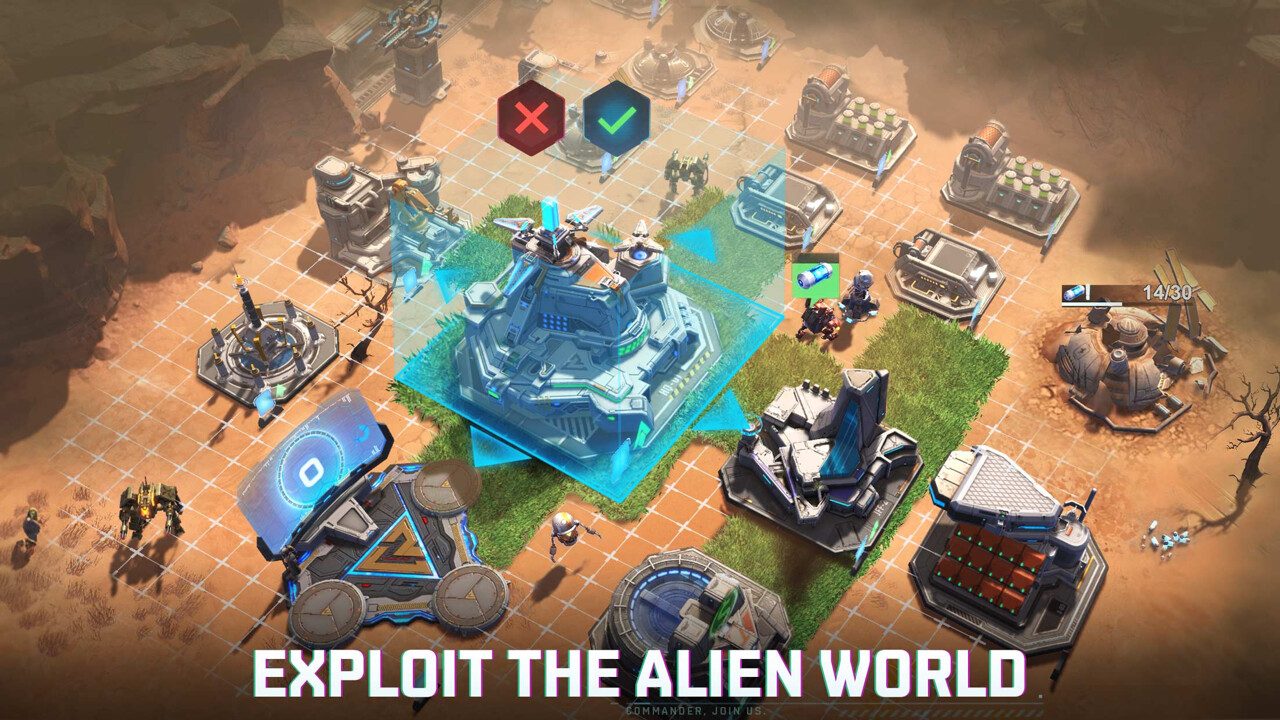
- Grow your base steadily. Base upgrades unlock better units and research, so keep upgrade queues running.
- Build a balanced lineup. Heroes, vehicles and support weapons complement each other. A mixed formation outlasts a one-type army.
- Join an alliance. Large battles are team fights, and allies reinforce each other in real time.
- Pick a civilization that fits your style. Each alien civilization brings its own abilities, technology and units. Read their strengths in the selection screen rather than picking on looks alone, because your civilization shapes how your whole army plays.
- Spend daily resources. Strategy MMOs reward regular short sessions. Collecting production and keeping queues full adds up faster than occasional long sessions.
How long does the Project Entropy download take?
Download time depends on your connection and the install size. The table below assumes about 8 GB, based on the Steam listing’s storage figure. Times are for the download itself, at the full speed of each connection.
| Connection | Approximate download time |
|---|---|
| 50 Mbps | about 21 min |
| 100 Mbps | about 11 min |
| 300 Mbps | about 4 min |
| 1 Gbps | about 1 min |
Real-world speeds usually land below a plan’s advertised figure, so treat these as best-case numbers. If the download runs far slower than your connection allows, check whether another device or app on your network is downloading at the same time, then pause and resume the download.
If Project Entropy won’t install or launch
Try these in the order worth trying them. Stop as soon as the problem is fixed.
- Verify the files. On Steam, open Properties → Installed Files → Verify integrity of game files. The standalone client has a repair option, or you can reinstall it quickly.
- Update your graphics driver. Older cards need the last driver their manufacturer released.
- Check your connection. The game is always online. A VPN or strict firewall can stop it from logging in.
- Close overlays. Close recording and performance overlays one at a time, then relaunch.
For anything beyond that, our PC game troubleshooting guide covers launch errors and crashes in more depth.
Ready to command
Project Entropy installs quickly on almost any PC. Get it from the official link and start building your fleet.
This download link is an affiliate link — see our Affiliate Disclosure for how that works. It doesn’t change anything about your download or account.