An external SSD is the easiest way to add storage to a console or gaming PC: plug it into a USB port and it’s ready. But consoles limit what they’ll run from USB storage, so it’s worth knowing what a drive can do for you before you buy one.
This guide compares four portable SSDs, explains what PS5 and Xbox Series X|S can play from them, and covers which speed actually matters.
As an Amazon Associate, Gamesness earns from qualifying purchases. We have not bench-tested these drives ourselves. The picks are based on the manufacturers’ published specifications, and each link goes to the Amazon listing we checked for that model.
What consoles can do with an external SSD
PS5
Sony’s requirements for USB extended storage are a drive with SuperSpeed USB 5Gbps or faster and 250GB to 8TB capacity, connected directly to the console rather than through a hub. Only one extended storage drive can be connected at a time.
- PS4 games: play directly from the USB drive.
- PS5 games: can be stored on it, but must be moved back to internal storage or an M.2 SSD to play.
Copying a PS5 game back from an external SSD is usually much faster than downloading it again, which makes a USB drive a good “parking” space for games you’ll come back to.
Xbox Series X|S
Microsoft says Xbox Series X|S consoles accept USB 3.1 external drives, and drives from an Xbox One work straight away.
- Xbox One, Xbox 360 and original Xbox games: play directly from the USB drive.
- Games optimized for Xbox Series X|S: can be stored on a USB drive, but need the internal SSD or an official Storage Expansion Card to play.
PC
On a PC, any of these drives can run games directly. Install launchers’ libraries to them like any other drive, though an internal NVMe SSD is faster if your PC has a free slot.
External SSDs compared
| Drive | Interface | Rated speed | Notes | Best for |
|---|---|---|---|---|
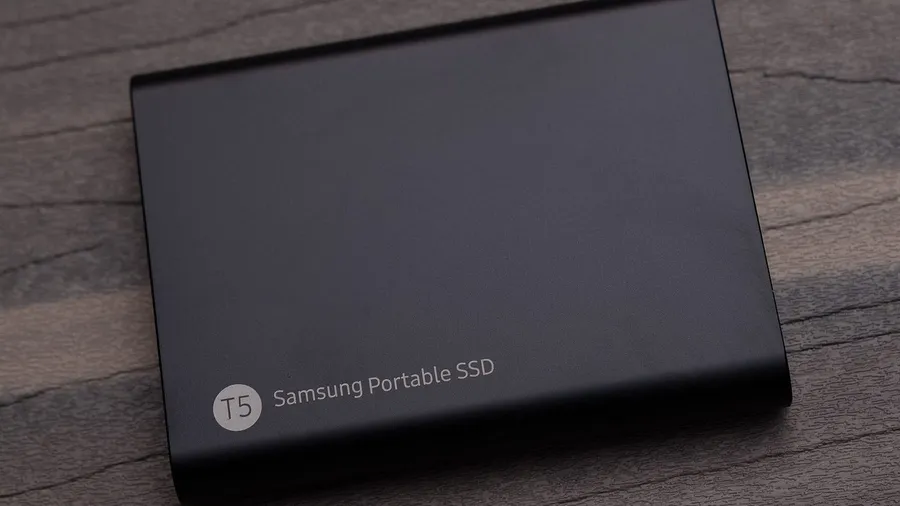
| Samsung T7 Shield | USB 3.2 Gen 2 (10Gbps) | Up to 1,050 MB/s | IP65 rated, rugged casing | Best overall |
| Crucial X9 Pro | USB 3.2 Gen 2 (10Gbps) | Up to 1,050 MB/s read and write | Small aluminium body | Compact alternative |
| Samsung T9 | USB 3.2 Gen 2x2 (20Gbps) | Up to 2,000 MB/s | Needs a 20Gbps port for full speed | Fast PC transfers |
| WD_BLACK P40 Game Drive | USB 3.2 Gen 2x2 (20Gbps) | Up to 2,000 MB/s | RGB lighting | Gaming look, PC and console |
Speeds and features are from the manufacturers’ listings. Rated speeds are maximums under ideal conditions.
The picks
Samsung T7 Shield: best overall
The T7 Shield is rated at up to 1,050 MB/s over USB 3.2 Gen 2, as fast as the USB ports on PS5 and Xbox Series X|S allow, and it’s IP65 water and dust resistant with a rugged casing. That makes it a good fit for a console that gets moved around or a drive that travels with a laptop.
Check price on AmazonCrucial X9 Pro: compact alternative
The X9 Pro has the same 1,050 MB/s rating for both reading and writing, in a small aluminium case. If the T7 Shield is out of stock or more expensive when you’re buying, it’s the like-for-like alternative.
Check price on AmazonSamsung T9: fastest for PC
The T9 uses USB 3.2 Gen 2x2 for up to 2,000 MB/s, but only on a PC port that supports 20Gbps; on a normal 10Gbps port it runs at roughly the same speed as the T7 Shield. Consoles won’t use the extra speed, so it’s only worth the premium if your PC has a 20Gbps USB-C port and you move large files often.
Check price on AmazonWD_BLACK P40 Game Drive: gaming look
The P40 is also rated at up to 2,000 MB/s over USB 3.2 Gen 2x2, with RGB lighting and Western Digital’s gaming branding, and is sold as compatible with PlayStation, Xbox, PC and Mac. As with the T9, consoles and 10Gbps ports won’t reach its top speed.
Check price on AmazonWhich speed do you actually need?
- For a console: neither PS5 nor Xbox Series X|S has a 20Gbps USB port, and Microsoft lists the Xbox Series X|S ports as USB 3.1 Gen 1 (5Gbps). A 10Gbps SSD is all these consoles can use, so a 20Gbps drive gets you nothing extra.
- For a PC: a 20Gbps drive only reaches its full speed on a USB-C port that supports USB 3.2 Gen 2x2 (or USB4/Thunderbolt ports that support it). Check your motherboard or laptop’s port specs first.
- SSD vs hard drive: a portable hard drive is cheaper per terabyte and fine for storing games, but it’s much slower to copy games back and to load PS4 or Xbox One games played from it.
Setting up an external SSD on a console
- PS5: plug the drive into a USB port on the console and format it as USB extended storage in Settings > Storage. Formatting erases everything on the drive.
- Xbox: plug it in and the console offers to format it for games and apps. Again, this erases the drive.
Back up anything on the drive first.
Check the Samsung T7 Shield on Amazon